Transform your Notion notes into Anki flashcards
Convert rich Notion pages into study-ready Anki cards while preserving formulas, images, audio, and formatting.
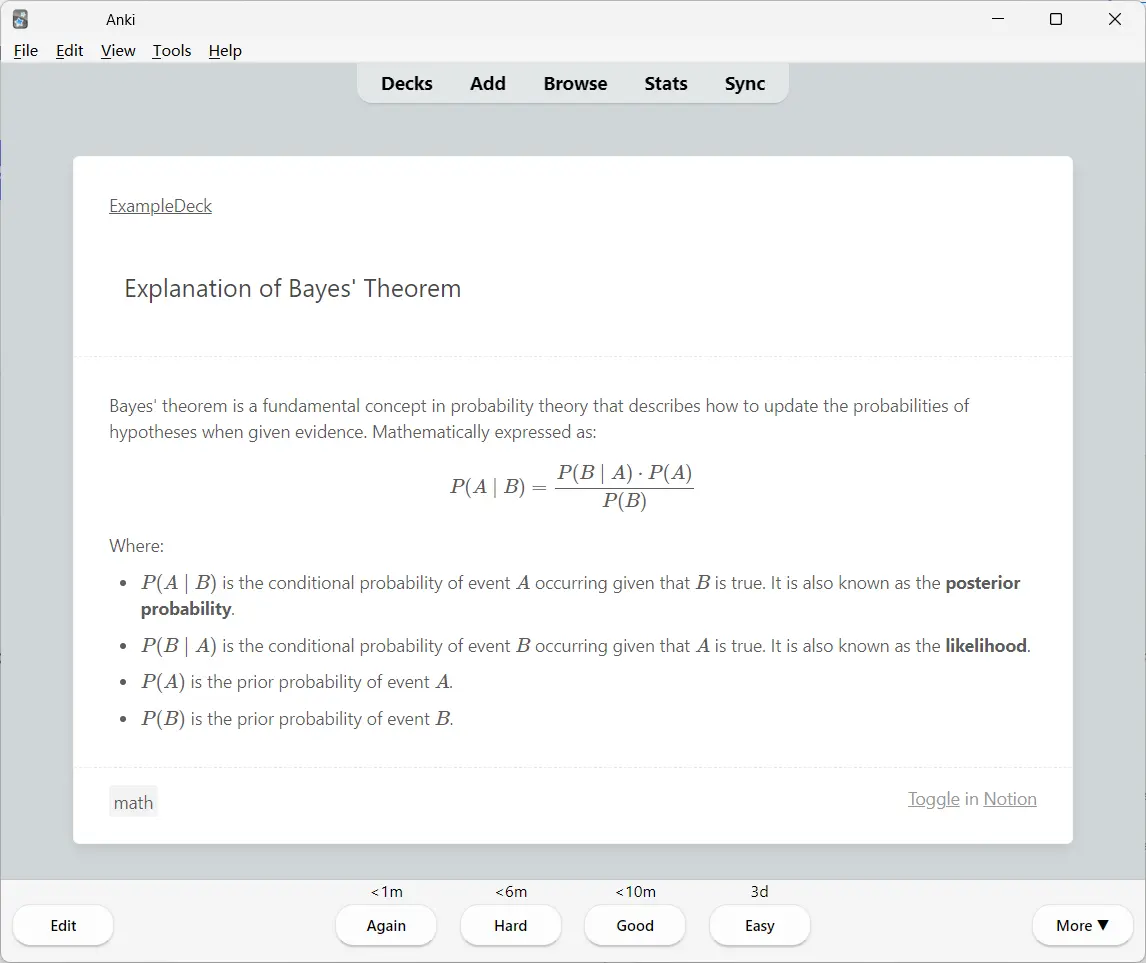
Everything you need to study faster
A focused workflow for learners who write in Notion and remember with Anki.
Your content arrives in Anki intact
Preview how different Notion blocks are transformed into useful flashcards.
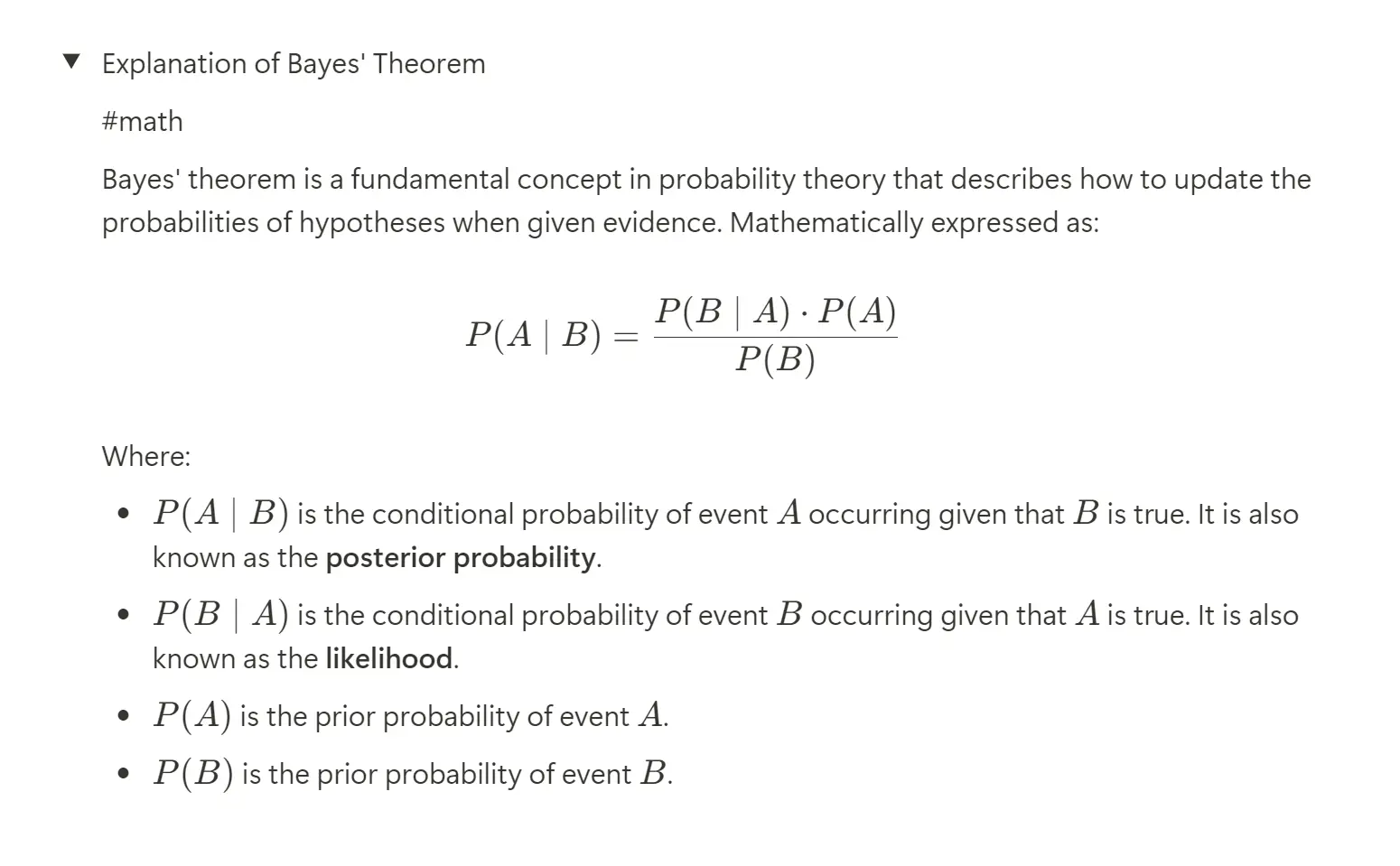
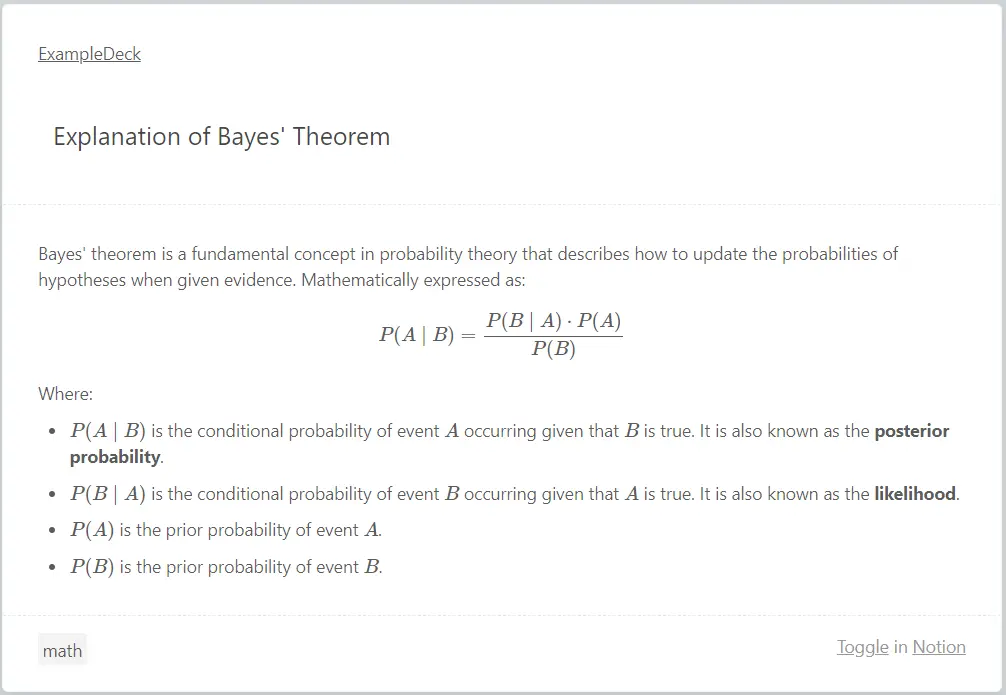
From notes to flashcards in three steps
Connect Notion
Add your Notion integration token and share a page with it.
Convert and study
Choose the page, create your deck, and start reviewing.
Flexible Credits Pricing
No subscription. Permanent credits. 1 credit consumed per new note synced.
Frequently asked questions
How do credits work?
Credits are permanent and never expire. 1 credit is consumed for each new note synced to Anki. Updating existing notes costs 0 credits.
Do new users get free credits?
Yes! Every new user receives 50 free credits upon signing up to try the full experience immediately.
What happens after payment?
Credits are automatically deposited into your account immediately after payment.
Which Notion content is supported?
Text, headings, toggles, images, audio, formulas, tags, and common rich-text formatting.
Can I use it on multiple computers?
Yes. Simply sign in with your account in the Anki add-on to access your credit balance on any device.